
Move SQL Database to New Server Safely & Efficiently
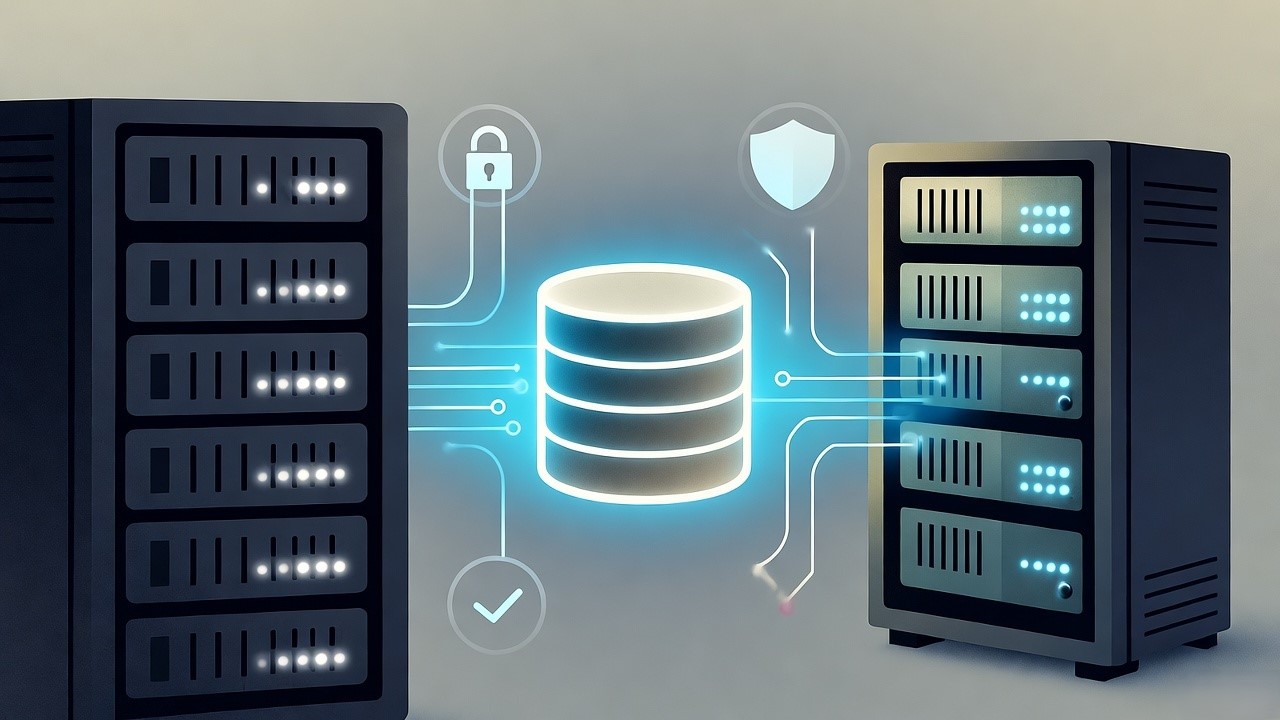
Move SQL Database to a New Server Without Downtime in 2026 | TL; DR
To move a SQL database to a new server in 2026, you can use several established methods depending on your downtime requirements and technical comfort.
1. Backup and Restore (Most Common & Reliable)
This is the standard approach for most migrations as it keeps the source database online during the backup process.
- Step 1: Backup. On the source server, open SQL Server Management Studio (SSMS), right-click the database > Tasks > Back Up. Choose Full as the backup type and save it to a
.bakfile. - Step 2: Transfer. Copy the
.bakfile to the new server using a network share or external drive. - Step 3: Restore. On the new server, right-click Databases > Restore Database. Select Device, browse to your file, and ensure you check the Relocate all files to folder option on the Files page to map them to the new server's drive paths.
2. Detach and Attach (Fastest for Large Files)
Best for very large databases where a backup would take too long, though it requires the source database to be offline.
- Step 1: Detach. Right-click the source database > Tasks > Detach. This releases the locks on the physical files.
- Step 2: Copy Files. Manually copy the
.mdf(data) and.ldf(log) files from the source directory to the new server. - Step 3: Attach. On the new server, right-click Databases > Attach. Click Add and select the
.mdffile you just copied.
3. Copy Database Wizard (Automated)
A built-in SSMS tool that automates the transfer of both the database and related objects like logins.
- Access: Right-click the source database > Tasks > Copy Database.
- Workflow: Follow the wizard to specify source and destination servers. You can choose the Detach/Attach method (faster but requires downtime) or the SMO (SQL Management Objects) method (online but slower).
4. Important Post-Migration Steps
- Transfer Logins: Use a script like
sp_help_revloginor dbatools to move SQL logins; otherwise, users will have "orphaned" permissions on the new server. - Update Compatibility Level: If moving to a newer version of SQL Server (e.g., 2022 to 2026), right-click the database > Properties > Options and update the Compatibility level to take advantage of new performance features.
- Update Statistics: Run
EXEC sp_updatestats;on the new server to ensure the query optimizer has current data for performance. - Check Orphaned Users: Use
ALTER USER [username] WITH LOGIN = [username];to reconnect database users to their server logins if necessary.
Essential Tools to Migrate SQL Database to New Server
HakunaMatataTech DB Migration Tool
For enterprises seeking speed, accuracy, and zero data loss in SQL database migrations, the HakunaMatataTech DB Migration Tool provides a high-performance alternative.
It’s engineered for large-scale SQL migrations, whether from on-premises to cloud or between different SQL servers and is trusted by enterprise teams for its automation and precision.
Key Capabilities:
- 50% Faster Migrations: Parallelized streaming significantly reduces total migration time for SQL databases.
- Zero Data Loss Guarantee: Transaction-level checksum and integrity validation ensure complete accuracy.
- Downtime Under 10 Minutes: Continuous sync and delta replication allow near-live cutovers.
- Cross-Environment Support: Seamlessly handles migrations between SQL Server, PostgreSQL, MySQL, and cloud SQL engines.
- Audit & Compliance Ready: Automatic logging and rollback mechanisms meet enterprise-grade governance standards.
- Adaptive Schema Mapping: Auto-detects and reconciles schema or data type differences between environments.
Best For: U.S. enterprises modernizing or consolidating SQL databases, especially when data volume, uptime requirements, or compliance constraints make traditional tools inadequate.
Enterprise Migration Tools
- Third-party tools offer advanced capabilities for complex migration scenarios.
- Estuary Flow provides real-time data synchronization using change data capture (CDC) technology.
- This enables near-zero-downtime migrations by continuously streaming inserts, updates, and deletes from your source to target database.
- The platform's exactly-once delivery semantics prevent duplicate or missing records, even in large-scale migrations.
- Informatica PowerCenter delivers AI-powered cloud integration with robust ETL, ELT, and Spark-based serverless processing.
- Its pre-built transformations and zero-code orchestrations simplify complex data mappings while ensuring high performance at scale.
Native SQL Server Tools
- For smaller databases or version upgrades, SQL Server's native utilities provide reliable, well-understood options.
- The SQL Server Management Studio (SSMS) Import/Export Wizard offers a straightforward graphical interface for simple migrations.
- While user-friendly, it lacks the sophistication for complex transformations or large-scale migrations.
- Backup and Restore provides the simplest migration path for many organizations.
- This method creates a database backup file, transfers it to the new server, and restores it.
- The process maintains all database objects, permissions, and data relationships without transformation.
- For more control, Detach and Attach operations physically move database files between servers.
- This approach typically delivers the fastest transfer for large databases but requires database downtime throughout the process.
Cloud Migration Services
- Cloud providers offer robust, managed migration services that simplify complex transitions.
- Azure Database Migration Service streamlines migrations to Azure SQL Database with minimal downtime.
- The service supports both one-time migrations and continuous replication, maintaining source and target synchronization during cutover.
- Its automated approach significantly reduces manual effort while providing comprehensive monitoring.
- AWS Database Migration Service (DMS) facilitates homogeneous and heterogeneous database migrations with change data capture (CDC) technology.
- DMS maintains source performance and availability during migration while automatically handling common conversion tasks.
Step-by-Step Process to Move SQL Database to Another Server
Successful database migration requires meticulous planning and execution across five distinct phases.
Rushing any step inevitably creates downstream issues.
Phase 1: Pre-Migration Assessment and Planning
- Thorough preparation separates smooth migrations from problematic ones.
- This foundation-setting phase typically consumes 40% of total project time.
- Start with comprehensive database discovery. Catalog all instances, versions, and patch levels. Document database sizes, table counts, and storage requirements. Beyond the obvious production databases, identify development, staging, and backup systems that also require migration.
- Application and dependency mapping comes next. Identify every application connecting to each database through connection string analysis. Document API endpoints, reporting systems, and business intelligence tools dependent on your database. One client discovered seventeen undocumented reports feeding their executive dashboard mid-migration, an oversight that would have created significant business disruption.
- Perform rigorous data quality assessment before migration. Analyze data completeness, accuracy, and consistency across all tables. Identify duplicate records, orphaned data, and referential integrity issues requiring cleanup. At HakunaMatataTech, we consistently find that 15-30% of migration delays stem from undiscovered data quality issues that should have been addressed pre-migration.
- Establish performance baselines by measuring current query performance and resource utilization during peak usage. This provides crucial benchmarks for validating post-migration performance. Define service level agreements (SLAs) and disaster recovery objectives (RTO and RPO) for the new environment.
Phase 2: Migration Strategy and Planning
- With assessment complete, formalize your migration approach. Select tools aligned with your source and target compatibility. For homogeneous SQL Server migrations, we often recommend native tools or cloud services like Azure Database Migration Service. For cross-platform transitions, specialized tools like the EDB Migration Toolkit prove invaluable.
- Design your target environment based on current usage plus growth projections. Configure security groups, network access, and firewall rules for secure connectivity. Implement monitoring, alerting, and backup procedures aligned with business requirements.
- Resource allocation and timeline development come next. Assign dedicated migration team members with clear roles including project manager, database administrators, and application developers. Establish realistic project timelines with a buffer for unexpected issues, successful migrations average 20% contingency time.
Phase 3: Environment Preparation and Testing
- This validation phase ensures all components function correctly before production migration.
- Deploy and configure target database systems with optimized settings for your workload. Implement security configurations following zero-trust principles. Set up automated backup and disaster recovery procedures with tested restore capabilities.
- Execute data cleansing procedures to fix identified quality issues. Standardize data formats, eliminate duplicates, and validate referential integrity before migration. Archive or purge obsolete data to reduce migration complexity, we typically see 20-40% volume reduction through proper data hygiene.
- Conduct pilot migration with representative data subsets to validate procedures. Test data transformation logic with real scenarios. Verify application compatibility with migrated data through functional testing. Perform user acceptance testing with key business stakeholders to ensure business processes remain supported.
Phase 4: Migration Execution
- With preparation complete, execute your migration following these critical steps.
- Begin with pre-migration final checks. Verify all prerequisites including target system readiness and team availability. Confirm backup procedures and rollback plans are tested and ready. Brief all team members on execution procedures and communication protocols.
- Execute schema migration first including tables, indexes, and database objects. Perform bulk data transfer using optimized processes. Monitor transfer progress and performance metrics continuously during migration. Validate data integrity checkpoints at regular intervals, we implement validation every 100GB transferred.
- Execute application cutover by updating connection strings and configurations for the new database. Deploy required application code changes for database compatibility. Test critical business processes immediately after cutover. Monitor application performance and error rates during initial operation.
Phase 5: Post-Migration Validation and Optimization
- The migration concludes only when the new environment operates stably at production scale.
- Perform comprehensive data reconciliation comparing source and target record counts. Validate data accuracy through business logic checks and sample comparisons. Test referential integrity and constraint compliance across all relationships.
- Analyze query performance and identify slow operations requiring optimization. Update database statistics and rebuild indexes for optimal query plans. Implement database-specific performance tuning based on workload patterns.
- Document migration lessons learned and develop operational runbooks for common maintenance scenarios. Conduct knowledge transfer sessions with operations and support teams to ensure long-term success.
Key Takeaways for Successful SQL Server Migration
At HakunaMatataTech, we've refined our migration methodology across 500+ enterprise deployments. The consistent thread through every success story remains methodical preparation and validation. Whether you're moving to newer
hardware, different platforms, or cloud environments, this disciplined approach ensures your migration concludes as another success story rather than a cautionary tale.
Ready to plan your SQL Server migration?
Contact our team at HakunaMatataTech for a free migration assessment or download our comprehensive Database Migration Checklist to ensure you've covered every critical requirement.
