
LM Studio Text Embedding: Local Embeddings with Open-Source Models
LM Studio Text Embedding for Beginners | TL; DR
LM Studio allows you to run text embedding models locally, enabling private and efficient document vectorization for tasks like Retrieval-Augmented Generation (RAG).
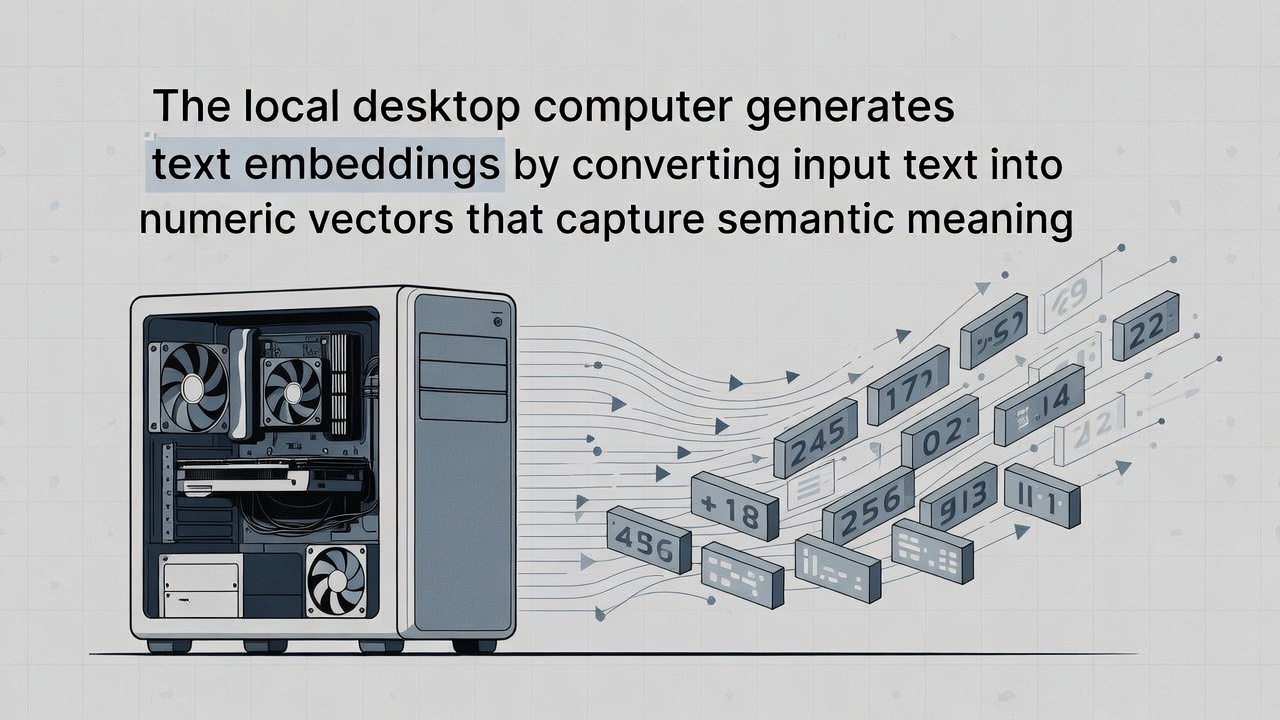
LM Studio text embedding converts raw text into numerical vectors that capture semantic meaning, allowing American businesses to perform highly accurate similarity searches and RAG within secure, local environments.
For AI developnment companies in America, selecting an LLM studio for text embedding in 2026 is a critical strategic decision that balances cost, control, and performance, with local leaders like Voyage AI offering exceptional accuracy and American giants like OpenAI providing reliability.
Key Features of LM Studio Text Embedding
- Local Inference: Convert text into numerical vectors without sending data to external APIs.
- Model Compatibility: Supports GGUF-formatted embedding models from Hugging Face, such as
nomic-embed-text-v1.5. - OpenAI Compatibility: Provides a
/v1/embeddingsendpoint, making it easy to swap into existing AI pipelines that use OpenAI's API.
How to Use Embeddings in LM Studio?
- Download a Model: Search the LM Studio Hub for embedding models (e.g., nomic-embed-text).
- Enable Embedding Mode: In the model settings (cog icon), ensure the model is tagged as "embedding" and nothing else.
- Start the Server: Navigate to the Local Server tab, select your model, and hit Start Server.
- Programmatic Access: Use the Python SDK or TypeScript SDK to generate vectors:
import lmstudio as lms
model = lms.embedding_model("model-name")
vector = model.embed("Hello, world!")
Usage Limitations of LM Studio Text Embedding
- Single Model Constraint: LM Studio typically allows loading either multiple LLMs or a single embedding model, but usually not both simultaneously on the same server instance.
- LLM as Embedder: You cannot currently use standard text-generation models (LLMs) to generate embeddings through the LM Studio API; you must use specific embedding-only models.
Top 5 LLM Studio Platforms for Text Embedding Work in 2026
Choosing the right studio is your first step.
The ideal platform depends on your team's workflow preference: command-line efficiency or a guided graphical interface.
Setting Up LLM Studio for Text Embedding
To get started with LLM Studio in a production environment, you need a hardware setup that can handle vector calculations efficiently.
Most American AI development firms prefer NVIDIA-based systems for their CUDA support.
Hardware Requirements for American Developers
- GPU: Minimum 12GB VRAM (NVIDIA RTX 3060 or better).
- RAM: 32GB DDR4/DDR5.
- Storage: NVMe SSD for fast model loading.
Once your hardware is ready, you can download LLM Studio from official repositories like LM Studio or via the Hugging Face ecosystem.
Selecting the Right Embedding Model
Not all models are equal. For text embedding, you don't need a massive 70B parameter model. You need a specialized "Embedding" model.
Common choices for U.S. developers include:
- BGE (BAAI General Embedding): High efficiency and great for English nuances.
- GTE (General Text Embeddings): Excellent for long-form document retrieval.
- e5-large-v2: A standard for high-accuracy semantic search.
LM Studio: Technical Workflow: From Raw Text to Vector Store
1. Loading the Model
- Choose an embedding-optimized model (e.g., bge, nomic, or E5 variants) rather than a chat or instruction model.
- Prefer GGUF-quantized models in LM Studio to reduce VRAM/RAM usage while maintaining embedding quality.
- Verify the model’s embedding dimension size (e.g., 384, 768, or 1024) to match your vector database schema.
- Load the model in embedding mode, not chat completion mode, to avoid unnecessary overhead.
- Confirm tokenizer compatibility to ensure consistent vector outputs across preprocessing and inference.
2. Configuring the Inference Server
- Enable LM Studio’s local inference server to expose OpenAI-compatible REST endpoints.
- Replace
https://api.openai.comwithhttp://localhost:1234in your embedding pipeline code. - Use the
/v1/embeddingsroute to generate vectors without modifying existing OpenAI SDK logic. - Configure batch size and concurrency to optimize throughput for large document ingestion.
- Keep the server local to ensure data privacy, zero network latency, and predictable costs.
3. Generating the Embeddings
- Send raw or chunked text to the
/v1/embeddingsendpoint for vectorization. - Each input is converted into a fixed-length numerical vector (e.g., 768 dimensions).
- Normalize embeddings if required to improve cosine similarity performance.
- Store the resulting vectors in a vector database such as FAISS, Qdrant, or Chroma.
- Use the stored vectors to power semantic search, RAG pipelines, and similarity matching.
The 2026 Embedding Model Landscape: Accuracy, Cost, and Strategic Fit
Here’s a strategic breakdown of top contenders for American AI companies in 2026:
- For Best-in-Class Accuracy & Value (Open Source): NVIDIA NV-Embed-v2. Derived from Mistral-7B and fine-tuned for retrieval, this 7.8B-parameter model is a powerhouse for multilingual and long-context tasks. It's free to self-host (under a CC-BY-NC-4.0 license) and optimized for NVIDIA GPUs, making it ideal for research and high-performance enterprise RAG.
- For Top-Tier API Simplicity & Balance: Voyage AI 3.5 Series. Built by Stanford researchers specializing in RAG, these models are trained on tricky "hard negatives" to avoid the "relevance trap." They use Matryoshka Representation Learning (MRL), allowing you to dynamically truncate vector dimensions for the perfect speed/accuracy trade-off, which can reduce vector database storage costs by up to 99%.
- For Enterprise Reliability & Ecosystem: OpenAI text-embedding-3-large. While its benchmark accuracy was surprisingly moderate, its strength lies in seamless integration, proven scalability, and reliability within the broader OpenAI ecosystem. For companies already invested in that stack, it remains a safe, high-performance choice.
- For Multilingual & Instruction-Aware Tasks: Qwen3 Embedding Models. Alibaba's open-source models (0.6B to 32B parameters) excel in cross-lingual applications, supporting over 100 languages. Their "instruction-aware" architecture allows them to better follow complex query directives, which is perfect for nuanced enterprise search.
Key Implementation Considerations for Real-World AI Systems
Selecting the model is only part of the battle. Successful deployment requires careful engineering.
First, you must align the model with your data domain. A model that excels on informal Amazon reviews may struggle with legal contracts or medical journals. Specialized models fine-tuned on domain-specific data (like finance or biomedical text) will almost always outperform generalists for that niche. If you have the data, consider fine-tuning an open-source model like BAAI's BGE-M3, a versatile, compact model that supports dense, sparse, and multi-vector retrieval in one framework.
Second, optimize your chunking and retrieval strategy. The model's maximum token context (e.g., 32K for NV-Embed-v2, 128K for Qwen3 large models) dictates how you can segment long documents. Semantic chunking, which breaks text by topic rather than arbitrary length, often yields better retrieval results than simple fixed-size chunks.
Finally, plan for cost at scale. While local inference eliminates per-token API costs, you must factor in:
- Computational Infrastructure: GPU memory requirements and inference speed.
- Vector Database Storage: Higher-dimension vectors (like OpenAI's 3072) cost significantly more to store and query than lower-dimension ones.
- Management Overhead: The engineering time required to maintain self-hosted model pipelines versus the simplicity of a managed API.
LM Studio Optimization Strategies for American AI Development
To rank in the competitive U.S. tech landscape, your AI must be fast and accurate.
Here is how we optimize LLM Studio text embedding for enterprise-grade performance.
Chunking Strategies
You cannot embed a 500-page PDF in one go. You must break it into "chunks."
- Fixed-size chunking: Best for simple data.
- Recursive character splitting: Better for retaining context.
- Overlapping chunks: Ensures that information at the end of one chunk is also present at the start of the next.
Dimensionality vs. Performance
Higher dimensions (e.g., 1536 vs 768) provide more "detail" but slow down your search.
For most U.S. retail or customer support bots, 768 dimensions strike the perfect balance between speed and accuracy.
