
Grocery Shopping App Development for Online Stores
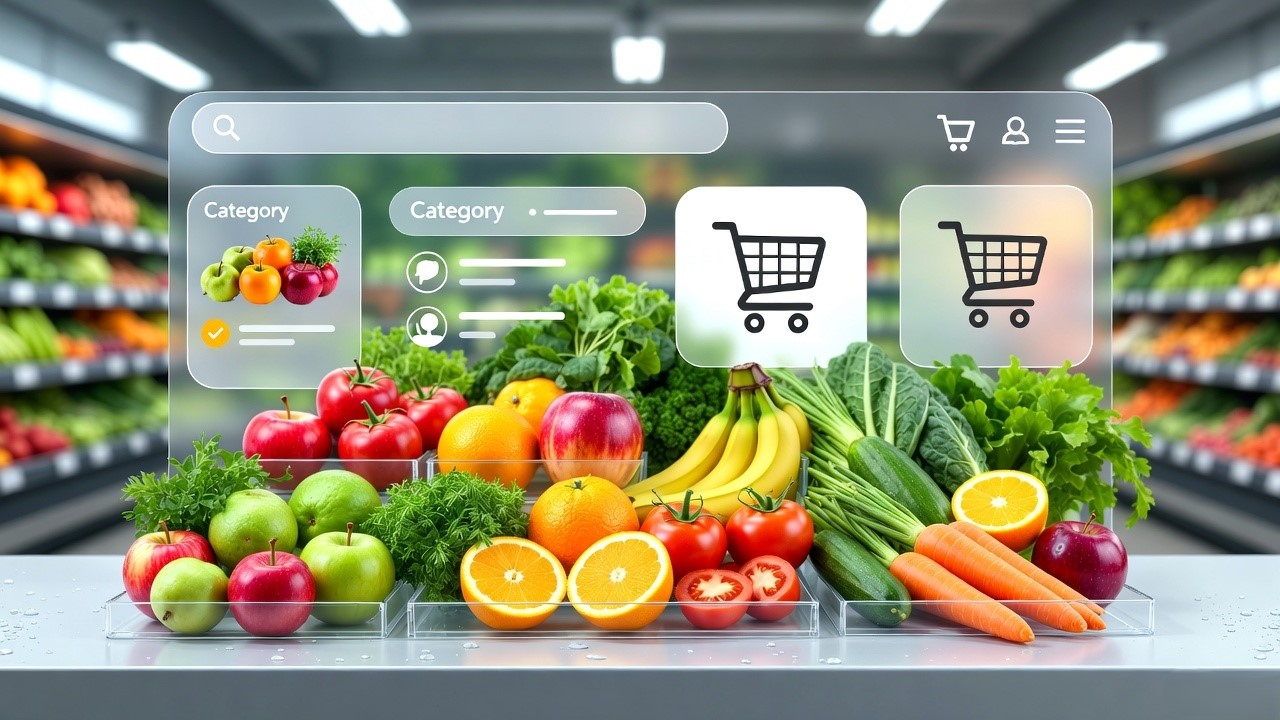
The Complete Guide to Grocery Shopping App Development in 2026 for the American Market
Building a grocery shopping app in 2026 requires a multi-faceted approach, balancing user convenience with complex backend logistics.
1. Core Features by User Role
A successful ecosystem typically requires three distinct interfaces:
- Customer App: Includes social login, smart product search/filters, real-time order tracking, scheduled delivery slots, and multiple secure payment gateways (UPI, Cards, Wallets).
- Delivery Partner App: Features route optimization via GPS, order status updates, availability toggles, and daily earning reports.
- Admin/Store Panel: Centralised dashboard for inventory management, order processing, vendor oversight, and business analytics.
2. Development Process & Timeline
- Market Research: Identify your niche (e.g., Quick Commerce like Blinkit or a Marketplace model like Instacart).
- UI/UX Design: Create wireframes and prototypes focusing on minimalist navigation to reduce cart abandonment.
- Development (6–12 Months):
- Frontend: Flutter or React Native are preferred for cost-effective cross-platform development.
- Backend: Node.js or Python (Django) paired with MongoDB or PostgreSQL for flexible data management.
- Testing & Deployment: Conduct rigorous functional, security, and load testing before launching on App Store/Google Play.
3. Estimated Costs (2025-2026)
Costs vary significantly based on complexity and team location:
- Basic MVP: $30,000 – $40,000 (takes ~4–6 months).
- Intermediate App: $50,000 – $100,000 (includes real-time tracking and push notifications).
- Enterprise Solution: $200,000 – $400,000+ (features AI recommendations, multi-region support, and advanced security).
4. Modern Tech Trends
- AI/ML Integration: Personalised shopping lists and AI-based loyalty programs.
- Quick Commerce (Q-Commerce): Focused on ultra-fast delivery (10–20 mins) requiring dark store integration.
- White-Label Solutions: Using SaaS platforms can reduce launch time to 6–8 weeks with lower upfront costs.
The average American spends over 60 hours a year just grocery shopping. But things are changing. According to a Shopify report, nearly 45% of U.S. consumers now shop for groceries online at least occasionally.
For years, my team and I have been building grocery and delivery apps, working with everyone from Silicon Valley startups to established Midwest chains. From this experience, I’ve learned one thing: success isn’t just about creating an app that works. It’s about building one that understands the busy, fast-paced life of the American shopper, someone who values speed, trust in quality, and a good deal.
In this guide, we’ll walk you through the entire process of developing a grocery shopping app. We’ll cover the must-have features, the real costs, the step-by-step development process, and the key trends you can’t ignore. Whether you're a regional grocery chain in Texas or a direct-to-consumer brand in New York, this is your blueprint for success.
Building a successful grocery app in America requires a sharp focus on hyper-local inventory, real-time delivery tracking, and a seamless user experience that saves time, not just for the customer, but for the picker and driver.
Why the American Grocery App Market is Still Ripe for Innovation
Many believe the market is saturated with giants like Instacart, Walmart, and Amazon Fresh. But look closer. In America, grocery is a $1.1 trillion industry, and e-commerce penetration is still growing.
The opportunity lies in specialization and localization.
- The "Last-Mile" Challenge is Unlocked: What was once a logistical nightmare is now a solved problem. Robust mapping APIs, a gig-economy workforce, and advanced route optimization make reliable delivery accessible to businesses of all sizes.
- Consumer Habits are Permanent: The pandemic accelerated adoption, but the convenience is sticky. Busy families, aging populations, and time-poor professionals now consider grocery delivery a utility, not a luxury.
- Niche Markets are Underserved: Think of specific dietary communities (keto, vegan, gluten-free), cultural grocery needs (Hispanic, Asian markets), or premium local produce delivery. A generic app cannot serve these audiences well.
From our projects, we've seen a bakery in Seattle successfully launch a subscription-based sourdough and pastry app, and a chain of organic stores in Colorado increase revenue by 30% after launching a dedicated "local produce" box feature. The common thread? They solved a specific problem for a specific community.
Must-Have Features for a Modern Grocery Delivery App in the USA
Your feature set must cater to three distinct user personas: the Customer, the Store Admin/Picker, and the Delivery Driver.
Omitting one breaks the chain.
For the Customer (The Front-End App)
This is the experience you're most familiar with. It must be intuitive, fast, and trustworthy.
- Seamless Onboarding & User Profiles: Allow sign-up via phone, email, or social media. Save multiple addresses (home, office) and payment methods.
- Intelligent Search & Discovery: Include barcode scanning, voice search, and predictive text. Implement smart filters (dietary: vegan, keto; brand; price; Best Sellers in San Francisco).
- Real-Time Inventory & Substitutions: This is critical. The app must show accurate, store-level stock. Integrate a clear substitution system, allow users to choose "pick similar item," "refund," or "call me."
- Smart Cart & Scheduling: Easy cart editing, saved lists ("Weekly Family List"), and flexible delivery windows (not just same-day, but 1-hour or 2-hour slots).
- Transparent Checkout & Payment: Show all costs upfront: item total, delivery fee, tip, and taxes. Integrate Apple Pay/Google Pay, credit/debit cards, and maybe EBT SNAP for broader accessibility in America.
- Live Order Tracking (The "Magic" Feature): A map-based view showing order confirmation → preparation → picking → driver assigned → live driver tracking. This builds immense trust.
- Ratings, Reviews, and Receipts: Let users rate products and drivers. Provide a digital, itemized receipt.
For the Store Admin & Picker (The Web Dashboard & Picker App)
This is the engine room. A bad picker experience leads to wrong items and delays.
- Centralized Order Management Dashboard: A web panel to view, manage, and accept/reject incoming orders in real-time.
- Automated Order Batching & Picking Lists: The system should intelligently batch orders by delivery zone and aisle location to optimize picker routes inside the store.
- Picker Mobile App: A simple, task-oriented app for pickers that guides them through the store aisle-by-aisle, highlights substitutions, and allows barcode verification.
- Inventory Management Sync: A tool to update stock counts, manage product catalogs, and upload images. This should ideally sync with existing store POS systems like NCR Aloha or Square for Retail.
For the Delivery Driver (The Driver App)
This ensures the final leg is efficient.
- Automated Order Assignment & Route Optimization: Drivers should receive orders based on proximity. The app should integrate with Google Maps API or Mapbox for the most efficient multi-stop routes.
- In-App Navigation & Communication: One-tap navigation to the store and then to the customer. A secure in-app chat or call feature to protect personal numbers.
- Digital Proof of Delivery: Capture signatures or photos upon delivery to confirm completion.
The Step-by-Step Grocery App Development Process We Use
At our development company, we follow an agile, transparent process that de-risks the project for our American clients.
1. Discovery & Strategic Planning (Weeks 1-2): We start by understanding your business. Who is your target American customer? What is your unique value proposition? We analyze competitors in your state or city, define the core feature set (MVP), and choose the right tech stack. This phase results in a detailed project roadmap.
2. UI/UX Design (Weeks 3-6): We create wireframes and then high-fidelity prototypes for all three applications (Customer, Picker, Driver). We focus on a user flow that minimizes clicks. For an American audience, we prioritize clarity, accessibility, and a visual design that feels familiar yet fresh. We test these prototypes with real users.
3. Development & Integration (Weeks 7-20): This is the core phase. We typically use a React Native or Flutter framework for the customer app to ensure fast performance on both iOS and Android in America. For the backend, a scalable solution like Node.js or Python (Django) is common.
Key integrations happen here:
- Payment Gateways: Stripe, Braintree (for U.S. card processing).
- Maps & Geolocation: Google Maps Platform.
- Cloud & Storage: AWS or Google Cloud for reliable U.S. hosting.
- Push Notifications: Firebase Cloud Messaging or OneSignal.
- Analytics: Mixpanel or Amplitude.
4. Rigorous Testing & QA (Weeks 21-22): We test on dozens of real devices and network conditions (5G, LTE, spotty Wi-Fi). We conduct functional testing, user acceptance testing (UAT), and security testing, especially for payment data compliance. We also perform load testing to simulate a rush of orders, say, during a Sunday evening in Chicago.
5. Deployment & Launch (Week 23): We guide you through submitting the app to the Apple App Store and Google Play Store, ensuring they meet all guidelines. We also help deploy the web-based admin panel to a live server.
6. Post-Launch Support & Iteration (Ongoing): The launch is just the beginning. We monitor performance, fix bugs, and use analytics to plan the next set of features, like a loyalty program or meal planning integration.
Understanding the Real Cost of Grocery App Development in America
Cost is the most common question. It depends entirely on complexity, features, and your chosen development partner's location (rates vary significantly between a San Francisco agency and a top-tier development company in India that serves U.S. clients).
Here’s a realistic breakdown:
The Future of Grocery Apps: Trends to Build For
To stay relevant, consider these trends in your roadmap:
- AI & Personalization: Machine learning to predict shopping lists, offer personalized deals, and optimize delivery routes dynamically.
- Voice & Visual Commerce: Integration with Alexa/Google Home for voice ordering and using smartphone cameras to add items to cart from physical flyers or empty packages.
- Sustainability Focus: Features like “plastic-free delivery options,” carbon footprint tracking, and easier sourcing of local produce.
- Social & Community Shopping: Features to share carts with family members or create collaborative lists for events.
